Unlock Your Website Potential!

Join Elena Rivers' community for beginner-friendly tutorials, design tips, and free resources to build your stunning website.

Website Layout Customization Basics


Website Layout Customization Basics

Posted on: 2026-04-15
By: Elena Rivers


Did you know that a well-structured website layout can significantly enhance user experience and engagement? Understanding how headers, footers, and navigation menus work together is essential for creating a site that not only looks good but also functions effectively.

What You Will Learn

  • Customizing your website layout is crucial for improving user navigation and overall experience.
  • Key components of effective layouts include headers for branding, footers for essential links, and intuitive navigation menus.
  • Applying visual design principles, such as alignment and contrast, can create a cohesive and appealing site.
  • Testing different layouts and gathering user feedback are vital steps in enhancing usability and engagement.

Key Elements of Effective Website Layouts

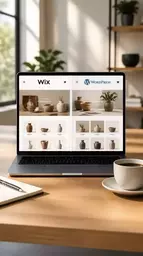
Understanding the critical components of a website layout can significantly enhance user experience. Below is a side-by-side comparison of the essential elements:

Headers

This is where your brand logo and navigation menu reside, setting the tone for the entire site.

Footers

Often overlooked, footers carry important information and links that enhance usability.

Navigation Menus

These guide visitors through your site, helping them discover content effortlessly.

Responsiveness

Design all elements to be mobile-friendly, ensuring a consistent experience across devices.

Understanding Website Layouts: The Role of Headers, Footers, and Navigation Menus

Creating a website can feel like piecing together a puzzle, but understanding the importance of layouts is a crucial part of the process. Headers, footers, and navigation menus serve as the backbone of any website. They guide users through your content, ensuring they find what they are looking for easily and efficiently. As someone passionate about web design, I can't stress enough how a well-structured layout can enhance user experience (UX) and keep visitors engaged! For more in-depth guidance, check out our essential website design tips for beginners.

When I started Website Design Free, I quickly learned that a website's layout isn't just about looks; it's about functionality. A clean and intuitive design helps visitors navigate with ease, making them more likely to stay on your site and explore. So, let's dive into why customizing layouts is essential!

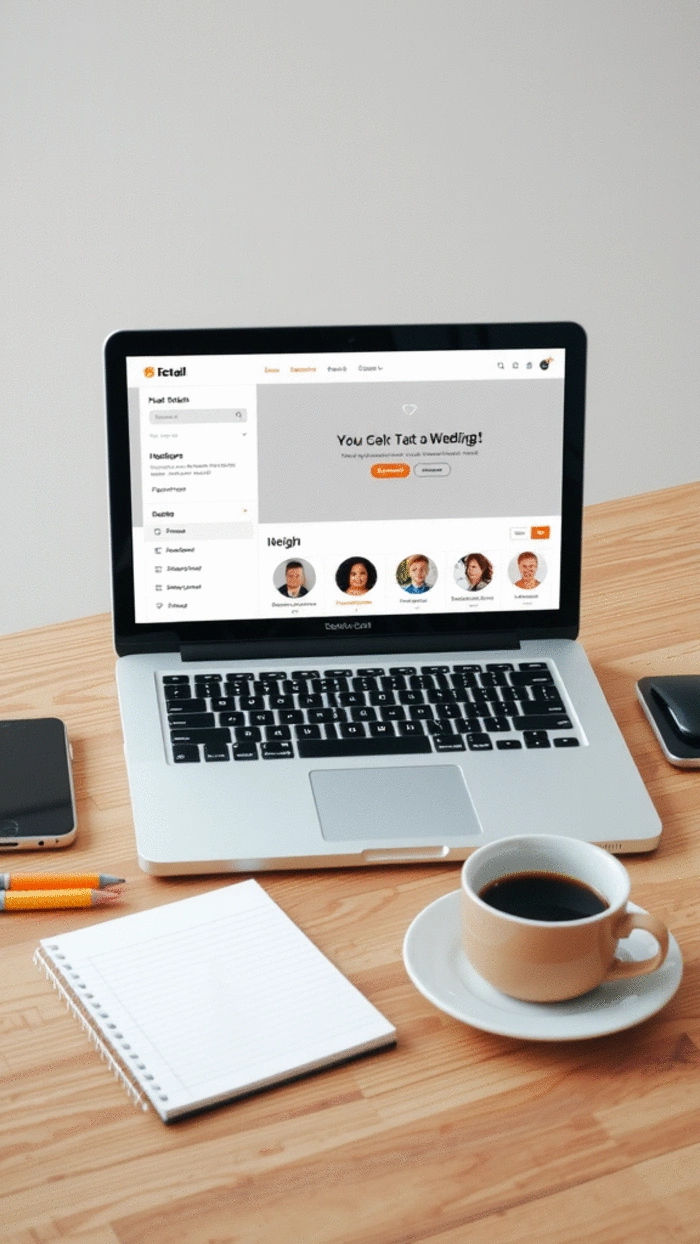
User interacting with website layout on a laptop

Why Customizing Layouts is Essential for User Experience (UX)

Customizing your website layout can significantly impact your visitors' experience. Here are a few reasons why:

  • Enhanced Navigation: A tailored layout ensures that users can find what they're looking for without frustration.
  • Improved Engagement: A visually appealing design draws users in and encourages them to explore your content.
  • Brand Identity: Custom layouts allow you to showcase your brand's personality, making a memorable impression.

By focusing on these elements, you can create an environment that not only looks good but feels right for your audience. Remember, a well-thought-out layout can leave a lasting impression!

Key Elements of Effective Website Layouts

There are several key elements to keep in mind when designing your website layout:

  • Headers: This is where your brand logo and navigation menu reside, setting the tone for the entire site.
  • Footers: Often overlooked, footers carry important information and links that enhance usability.
  • Navigation Menus: These guide visitors through your site, helping them discover content effortlessly.

Each of these components plays a vital role in ensuring that users have a smooth and enjoyable experience on your site. As I’ve guided many beginners through this process, I can assure you that mastering these elements will lead to a more professional appearance and increased user satisfaction. Discover more about building intuitive menus and flows for your website.

When it comes to layout customization, understanding visual design principles can help you create a more cohesive and aesthetically pleasing site. Here are some principles to consider:

  • Alignment: Make sure elements are aligned properly to create a clean look.
  • Contrast: Utilize contrasting colors and fonts to guide the eye and highlight key information.
  • Consistency: Maintain a consistent style across all pages to reinforce your brand identity.

By applying these design principles, you can transform an ordinary layout into something extraordinary. Trust me, when users feel comfortable navigating your site, they're more likely to return. So, embrace these tips as you dive into your website creation journey!

Pro Tip

Did you know? A/B testing your website layout can provide valuable insights into user preferences. By creating two versions of a page with slight variations—such as different menu placements or color schemes—you can analyze which layout leads to better engagement and user retention. This data-driven approach ensures that your design decisions are backed by real user feedback, ultimately enhancing the overall user experience!

Recap of Customizing Website Layouts for Headers, Footers, and Menus

As we wrap up our journey on customizing website layouts, it’s essential to acknowledge the significant role headers, footers, and navigation menus play in user experience. By effectively designing these elements, you can greatly enhance how visitors interact with your site. Remember, a well-structured layout not only guides users but also reflects your brand's identity!

To summarize, here are some key aspects to keep in mind when customizing your website layout:

  • Headers: Ensure your header is clean and includes necessary branding elements, such as your logo and a clear navigation menu.
  • Footers: Use footers to provide essential links and contact information, making it easy for users to find what they need.
  • Navigation Menus: Choose between dropdown and mega menus based on your content structure, ensuring users can navigate intuitively.
  • Responsiveness: Design all elements to be mobile-friendly, ensuring a consistent experience across devices.

By keeping these points in mind, you’ll be better equipped to create a seamless experience for your visitors, leading to increased engagement and satisfaction.

Key Takeaways for Effective Customization

To help you streamline the layout customization process, let’s highlight some takeaways that can guide your efforts. When customizing headers, footers, and menus, consider the following:

  • Prioritize clarity in design—every element should serve a purpose and contribute to user navigation.
  • Incorporate calls-to-action in headers and footers to encourage interaction with your visitors.
  • Test different layout styles to determine what resonates best with your audience.
  • Seek feedback from users to understand what works and what needs improvement.

These takeaways will not only enhance your website’s usability but will also promote a positive user experience that keeps visitors coming back for more!

Next Steps: Implementing Your Custom Layout

Now that you’re equipped with the knowledge to customize your website layout effectively, it’s time to take action! Here are the next steps to implement your custom layout:

  • Sketch your layout on paper or use design tools to visualize your website’s structure.
  • Choose a platform like WordPress, Wix, or Carrd to start building your site based on your design.
  • Implement the header and footer designs, ensuring they align with your brand identity.
  • Test your navigation menus for functionality and ease of use, making adjustments as needed. For more details on this, explore our guide on how to build a website for beginners.

Taking these steps will help you transition from planning to execution. Remember, I’m here to support you throughout this process, so feel free to reach out with any questions you may have!

Engaging with Your Audience: Questions and Feedback

Creating a website is just the beginning; engaging with your audience is crucial for ongoing success. Gathering feedback and encouraging interaction can significantly improve your website’s usability and overall effectiveness.

Let’s explore some ways to engage with your audience and foster a community around your site!

Frequently Asked Questions (FAQs)

Q: Why is website layout important for user experience?
A: A well-structured website layout enhances user experience by making navigation intuitive, improving engagement, and reinforcing brand identity, helping users find information easily and encouraging them to stay longer on your site.
Q: What are the key elements of an effective website layout?
A: The key elements include headers (for branding and primary navigation), footers (for essential links and contact information), and navigation menus (to guide visitors through content). Responsiveness across devices is also crucial.
Q: How can visual design principles improve my website layout?
A: Applying visual design principles like alignment, contrast, and consistency helps create a cohesive, aesthetically pleasing, and easy-to-navigate site. This guides the user's eye and highlights important information effectively.
Q: What is A/B testing, and how can it help with layout customization?
A: A/B testing involves creating two versions of a page with slight variations (e.g., menu placement) to see which performs better in terms of user engagement. It's a data-driven approach that helps optimize your design based on real user feedback.
Q: What are the next steps after planning my custom website layout?
A: After planning, you should sketch your layout, choose a platform (like WordPress, Wix, or Carrd), implement header and footer designs, and thoroughly test your navigation menus for functionality and ease of use.

How to Utilize User Feedback for Continuous Improvement

User feedback is a goldmine for understanding how your website is performing. Here are some strategies to collect and utilize feedback:

  • Implement feedback forms on your website to gather insights directly from visitors.
  • Use analytics tools to track user behavior and identify areas needing improvement.
  • Encourage users to share their thoughts in comments or through social media.

By actively seeking feedback, you’ll be able to make informed decisions that enhance user experience and meet your audience’s needs!

Encouraging Interaction and Discussion on Your Site

To foster a community, it’s important to encourage interaction on your website. Here are some suggestions:

  • Create blog posts that invite comments and discussions, asking open-ended questions to spark conversation.
  • Host live Q&A sessions or webinars where visitors can ask questions in real-time.
  • Incorporate social sharing buttons to allow users to share content easily, increasing engagement.

These practices will keep your audience engaged and create a vibrant community around your brand!

Conducting User Research to Enhance Website Usability

Finally, conducting user research is essential for ongoing improvement. Consider the following methods:

  • Conduct surveys to gather detailed information about user preferences and needs.
  • Perform usability testing to observe how real users navigate your site and identify pain points.
  • Analyze user demographics to tailor content and design according to your target audience.

By prioritizing user research, you’ll be able to continuously refine your website, ensuring it remains user-friendly and effective in meeting your audience’s needs.

Recap of Key Points

Here is a quick recap of the important points discussed in the article:
  • Headers: Ensure your header is clean and includes necessary branding elements, such as your logo and a clear navigation menu.
  • Footers: Use footers to provide essential links and contact information, making it easy for users to find what they need.
  • Navigation Menus: Choose between dropdown and mega menus based on your content structure, ensuring users can navigate intuitively.
  • Responsiveness: Design all elements to be mobile-friendly, ensuring a consistent experience across devices.
  • Visual Design Principles: Apply alignment, contrast, and consistency to create a cohesive and aesthetically pleasing site.
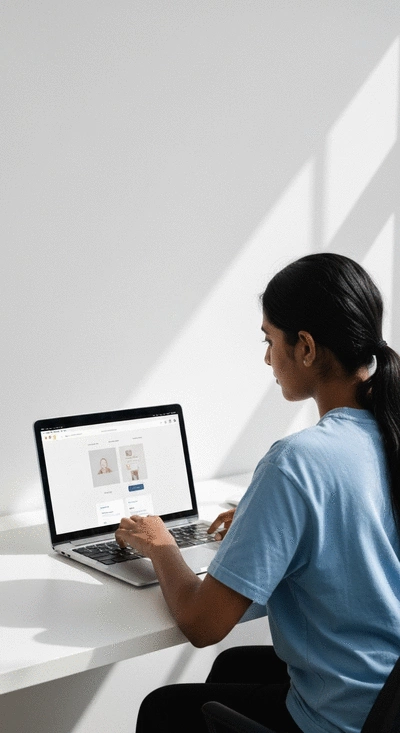
User analyzing website layout on a computer screen
Subscribe & Share
Website Layout Customization Basics Website Layout Customization Basics Did you know that a well-structured website layout can significantly enhance user experience and eng
Tips for Creating Online Portfolios Tips for Creating Online Portfolios Are you ready to transform your creative journey into a stunning online portfolio? A well-crafted po
Website Builder Pricing Explained Website Builder Pricing Explained Choosing the right website builder isn’t just about finding the cheapest option; it’s about unde
Banner
Website Design Free

Your go-to resource for mastering website creation without coding. We help beginners and small businesses with practical tutorials, tool comparisons, and expert design tips.

Trusted by aspiring web designers, our mission is to provide accessible, easy-to-follow insights backed by Elena Rivers' years of digital design expertise.

Learn More
Recent Posts
Website Layout Customization Basics Website Layout Customization Basics

Did you know that a well-structured website layout

Tips for Creating Online Portfolios Tips for Creating Online Portfolios

Are you ready to transform your creative journey i

Website Builder Pricing Explained Website Builder Pricing Explained

Choosing the right website builder isn’t just ab

Quick Tips for Your Website Design Journey