Wix or WordPress for E-commerce?
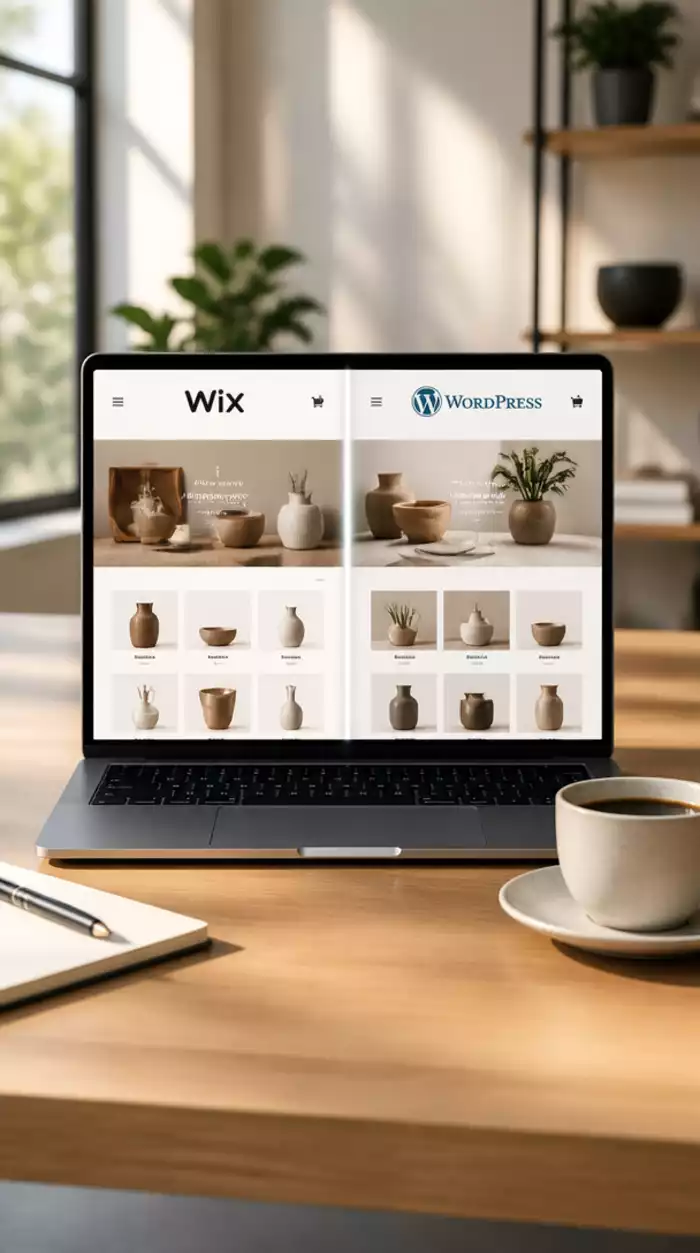
Posted on: 2026-10-09
By: Elena Rivers
Choosing the right platform for your e-commerce site can make all the difference. With platforms like Wix and WordPress offering distinct features, understanding their strengths is critical for your success. Dive into the key aspects that will empower your decision-making process!
What You Will Learn
- Understanding essential e-commerce functionalities like payment gateways, inventory management, and shipping options.
- Key differences in user experience and customization between Wix and WordPress.
- Factors to consider when choosing a platform, such as ease of use, cost, and scalability.
- Importance of community support and user reviews in selecting the right e-commerce platform for your business.
Comparison of E-commerce Features: Wix vs WordPress
Understanding the differences in e-commerce functionality between Wix and WordPress is crucial for selecting the right platform for your online store. For a broader perspective on various website builders, you might want to explore a simple comparison of website builders to see how Wix and WordPress stack up against other options.

Wix Features
- Drag-and-drop interface
- Built-in payment processing
- Simple inventory management
- Integrated shipping options
- Abandoned cart recovery tools
WordPress Features
- Extensive plugin options
- Highly customizable design
- Advanced inventory management
- Robust payment gateway options
- Community support for troubleshooting
Ease of Use
Wix is designed for quick setup and usability, while WordPress requires more learning but offers extensive customization.
Cost Comparison
Wix has a straightforward pricing model with monthly fees, while WordPress may incur costs for hosting, themes, and plugins.
Scalability
WordPress is more scalable for growing businesses, while Wix is better suited for small to medium-sized enterprises.
Understanding the Landscape: Wix vs WordPress for E-commerce
As a web designer and educator, I often get asked about the best platforms for building e-commerce sites. Choosing between Wix and WordPress can be a game-changer for your online store! Both platforms offer unique features suited for different business needs, so let’s break down their e-commerce functionalities.
When we talk about e-commerce functionality, we’re looking at features that allow you to sell products online effectively. This includes payment gateways, inventory management, and shipping options. Understanding these functionalities will make it easier for you to select the right website builder for your e-commerce venture!
Defining E-commerce Functionality in Website Builders
E-commerce functionality encompasses various tools and features that facilitate online selling. Here’s a brief overview of what you should consider:
- Payment gateways: How your customers will pay for products.
- Inventory management: How you track and manage your products.
- Shipping options: How products are delivered to customers.
- Abandoned cart recovery: Strategies to win back potential customers.
Both Wix and WordPress provide these functionalities, but the way they implement them can differ significantly. Knowing which features matter most to you will guide your decision! For a deeper dive into making the best choice, check out our guide on WordPress vs. Wix: Making Your Choice.
Why the Comparison Matters for Online Sellers
As someone deeply invested in helping beginners navigate the web design landscape, I can’t stress enough how vital this comparison is. The choice between Wix and WordPress affects not only your setup process but also impacts your long-term success as an online seller!
Here are a few reasons why you should consider this comparison:
- Ease of use: How quickly can you get your online store up and running?
- Customization: How flexible is the platform when your business grows?
- Cost: What are the ongoing expenses associated with each platform?
- Scalability: Can the platform support your business as it expands?
Ultimately, knowing these differences can help you make a more informed choice that aligns with your business goals. Let’s explore these platforms’ e-commerce features in detail to find out which one suits your needs best!
Assessing the E-commerce Features: Wix vs WordPress
It's time to dive deeper into the specific e-commerce features offered by both platforms. By understanding how Wix and WordPress stack up against each other, you can make a more strategic decision about which one will help you achieve your online selling goals.
Pro Tip
When selecting between Wix and WordPress, consider starting with a trial version of each platform. This hands-on experience will allow you to explore the user interface, test e-commerce features, and determine which platform feels more intuitive for you. Remember, the right choice can set the foundation for your online success!
Summarizing Key Differences Between Wix and WordPress
As we dive into the differences between Wix and WordPress for your e-commerce needs, it's essential to consider what each platform brings to the table. Both platforms have unique features that cater to different user experiences and business models. Understanding these differences can lead you to the right choice for your online store.
In general, Wix offers a more straightforward, drag-and-drop design experience, which can be perfect for beginners or those who prefer simplicity. On the other hand, WordPress provides extensive customization options that may be more suitable for established brands or businesses with complex needs. To learn more about getting started with WordPress, explore our WordPress guide for new users.
Which Platform is Right for Your E-commerce Needs?
When considering whether to use Wix or WordPress for your e-commerce venture, it's vital to reflect on your specific needs and goals. Here are a few key questions to ask yourself:
- Are you looking for a platform that’s easy to set up without much technical knowledge?
- Do you anticipate needing advanced features or plugins as your business grows?
- Is customer support and community engagement a top priority for you?
These questions can help clarify your priorities as you weigh your options. Personally, I recommend taking a close look at user reviews and community feedback. Platforms with strong support can significantly ease the learning curve and enhance your overall experience.
Assessing User Reviews and Community Support
User reviews are a treasure trove of information! They can provide insights into the actual experiences of other entrepreneurs using Wix or WordPress. Here are some aspects to consider:
- Ease of use: Are users finding the platform intuitive and easy to navigate?
- Customer support: How responsive is the support team? Are users satisfied with their experiences?
- Community resources: Is there an active user community offering tips, tutorials, and forums for troubleshooting?
Gathering this information can help you make a more informed decision. At Website Design Free, we emphasize the importance of community support in your web design journey, and these factors can play a crucial role in your e-commerce success.
Frequently Asked Questions (FAQs)
Next Steps for E-commerce Entrepreneurs
Now that we have a clearer understanding of the key differences between Wix and WordPress, the next step for you as an e-commerce entrepreneur is to make an informed choice. This decision can set the tone for your business growth and customer engagement.
Making the Choice: Wix or WordPress?
Consider your personal skills and your business requirements as you choose between these platforms. Are you leaning towards a quicker start with Wix, or does the flexibility of WordPress appeal to you more? Think about the long-term vision for your e-commerce store and how each platform aligns with that vision.
Recommendations Based on Business Type and Goals
Different businesses have unique needs, and choosing the right platform can significantly affect your success. Here are some tailored recommendations:
- If you're a small business owner or just launching your online store, Wix might be your best bet for its simplicity.
- If you run an established brand with complex inventory needs, go with WordPress to leverage its extensive plugin ecosystem.
- For businesses looking to expand internationally, consider what each platform offers in terms of multilingual support and localization options.
These recommendations can guide your decision-making process, helping you choose the best platform that matches your business model.
Exploring Multilingual Support and International Selling Options
If you’re aiming to reach a global audience, multilingual support is crucial. WordPress offers various plugins for translation, making it easier to cater to different languages. On the flip side, Wix provides some built-in options for multilingual websites as well. Consider how you plan to scale your business internationally when weighing your options!
Engaging with the Community: Share Your Experience
Creating a successful online store is not just about choosing the right platform; it's also about connecting with others who share your journey! Engaging with the community can provide valuable insights and encouragement as you navigate your e-commerce path.
Join the Conversation on E-commerce Solutions
Don’t hesitate to share your thoughts and experiences with Wix and WordPress in the comments or through social media. Your insights could help someone else make their choice! I’d love to hear about your experiences!
Follow Up: Questions and Recommendations
If you have questions or need further recommendations as you set up your e-commerce store, please reach out! At Website Design Free, we are here to support you every step of the way. Let’s create something amazing together!
Recap of Key Points
Here is a quick recap of the important points discussed in the article:
- Understand e-commerce functionalities: Consider payment gateways, inventory management, and shipping options when choosing a platform.
- Ease of use vs. customization: Wix offers a simpler setup while WordPress provides extensive customization options for growing businesses.
- Assess your business needs: Reflect on your technical skills, required features, and long-term goals before deciding between Wix and WordPress.
- Community support matters: Engage with user reviews and community resources to gauge the effectiveness of each platform.
- Tailor recommendations: Choose Wix for simplicity if you're a small business owner; opt for WordPress if you have complex needs.

 Have you ever wondered how the multimedia content on your website affects its speed and user engagem
 Choosing the right platform for your e-commerce site can make all the difference. With platforms lik
 As the digital landscape becomes increasingly complex, prioritizing website security is no longer op