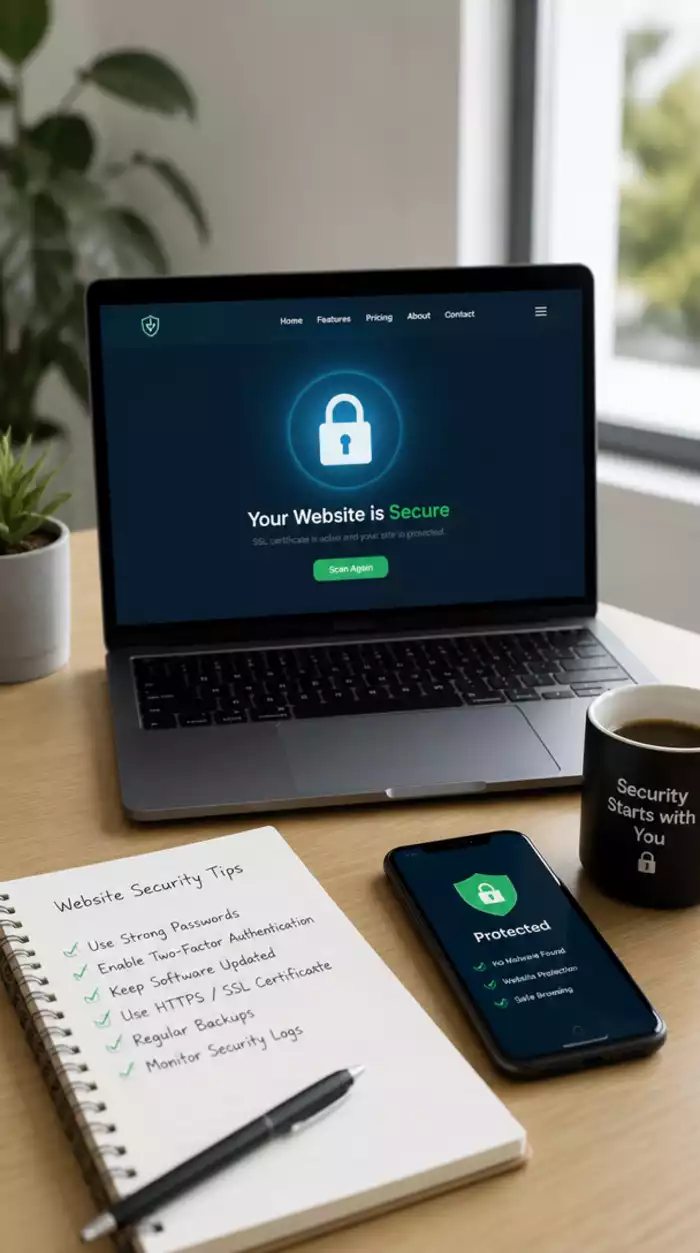
Implement HTTPS/SSL
Ensure a secure connection to protect user data.
Join Elena Rivers' community for beginner-friendly tutorials, design tips, and free resources to build your stunning website.
Posted on: 2026-10-01
By: Elena Rivers
As the digital landscape becomes increasingly complex, prioritizing website security is no longer optional; it’s essential. With new threats emerging every day, how prepared are you to protect your online presence? Understanding the basics of website security can be your first step toward safeguarding your site and maintaining trust with your visitors.
Highlighting the key security measures every new website owner should implement to safeguard their online presence.
Ensure a secure connection to protect user data.
Create complex passwords and enable multi-factor authentication for added security.
Regular updates help prevent potential vulnerabilities.
Implement a backup strategy to protect your data against loss.
Choose a hosting provider with strong security features.
Control user permissions to minimize risks.
Welcome to the ever-evolving world of website security! As a new site owner, you might be wondering why security is such a big deal. Well, it’s essential! In today’s digital landscape, protecting your website from threats is crucial to your success. A secure site not only safeguards your data but also builds trust with your visitors. After all, who wants to share personal information on an unsecured site?
Let’s get to the heart of the matter. Website security encompasses all the strategies, practices, and technologies you need to protect your site from cyber threats and attacks. For beginners, understanding the importance of these measures can feel overwhelming, but that’s where I come in! Together, we’ll explore what you need to know to keep your website safe. If you're looking for a comprehensive guide to getting started, consider our beginner's guide to building a website.
So, what exactly is website security? It involves a set of protocols and tools designed to protect your website from vulnerabilities, unauthorized access, and attacks. Think of it as a protective shield that ensures your site functions safely and stays online. For new site owners, investing time and effort into website security can save you from potential headaches down the road!
As the founder of Website Design Free, I can’t stress enough how vital security is. It’s not just about having a beautiful website; it’s about creating a space where your users feel safe and secure.
New websites are often prime targets for cybercriminals. You might be surprised to learn about the various threats that can affect your site. From simple hacks to more sophisticated attacks, knowing these risks is the first step in safeguarding your online presence.
Understanding these threats will help you prepare your defenses. When I first started out, I was blindsided by the potential vulnerabilities, but now I share my knowledge so you won’t have to learn the hard way! For example, ensuring your WordPress site is secure from these common threats is paramount.
Cyber threats come in many forms, and their impacts can range from minor inconveniences to complete site takeovers. Let’s delve a little deeper into the types of threats out there and how they can affect your online journey.
By understanding the landscape of cyber threats, you can take proactive steps to fortify your website's defenses. Remember, the best offense is a good defense! As we continue this journey, I’m excited to share practical steps to secure your website effectively.
As you reflect on the importance of website security, what steps have you already taken to protect your site? Share your thoughts below:
As a new website owner, it's crucial to prioritize your site's security. The digital landscape can be perilous, especially for beginners. Let's recap some essential steps to ensure your website stays safe and secure!
By following these steps, you can build a solid foundation for your website's security. Remember, each measure adds a layer of protection, and small changes can have a big impact!
The world of website security is always evolving, and as new threats emerge, so should your knowledge. Staying informed about the latest security trends is vital. I encourage you to regularly check for updates from trusted sources in the web design community, like Website Design Free.
Consider subscribing to newsletters or joining forums where you can exchange ideas with other website creators. This way, you'll keep learning and adapting your security practices to stay one step ahead of potential threats!
As you embark on your website creation journey, integrating security awareness training into your routine is essential. This doesn’t have to be overwhelming. Simple practices can make a difference! For instance, you can schedule regular reviews of your site's security settings and educate yourself about common threats.
By making security education a priority, you empower yourself to manage risks effectively. Trust me, taking these proactive steps can help your journey as a website owner be much more rewarding! For more insights into creating a robust online presence, explore our guide on essential website design tips for beginners.
Now that you have a solid understanding of website security, it's time to take action! Start with the basics. If you haven’t yet implemented HTTPS/SSL, make that your first step. Many hosting providers offer this feature for free, so check your account settings. From there, create strong passwords and enable MFA on all your accounts! It's a straightforward yet powerful way to enhance your security.
Next, set a reminder to review your CMS and plugin settings regularly. Keeping everything updated will help protect your website from vulnerabilities. Remember, consistency is key!
Website security is crucial for new owners because it protects sensitive data, maintains user trust, ensures compliance with regulations, and prevents financial losses due to downtime or data breaches. A secure website builds credibility and safeguards your online presence.
New websites commonly face threats such as malware (malicious software), phishing (deceptive practices to steal information), DDoS attacks (overwhelming traffic to crash a site), and SQL injection (exploiting database vulnerabilities for unauthorized access).
Essential measures include implementing HTTPS/SSL, creating strong passwords, enabling multi-factor authentication (MFA), keeping CMS and plugins updated, establishing a reliable backup system, choosing secure hosting, limiting admin access, and regularly monitoring for vulnerabilities.
The digital threat landscape is constantly evolving. Continuous learning helps you stay informed about the latest security trends, emerging threats, and best practices, enabling you to adapt your security measures and stay ahead of potential attacks.
Compliance standards like GDPR (for personal data in Europe) and PCI DSS (for handling payment information) are regulations that websites must adhere to. They are important because they not only protect user data and privacy but also help maintain your website's reputation and avoid legal penalties.
To continue your journey in website security, I recommend exploring resources tailored for beginners. Here are a few that I find particularly helpful:
Diving into these resources will not only enhance your knowledge but also keep you updated on best practices!
Finally, let’s talk about compliance standards. Depending on your website's purpose, you might need to adhere to specific regulations. For instance, if you're collecting personal data, you must comply with GDPR in Europe. On the other hand, if you handle payment information, PCI DSS compliance is crucial.
Ensure you understand these regulations, as they help not only to protect your users but also to maintain your reputation. You can find more resources from government websites or professional organizations that focus on compliance, making it easier for you to navigate this aspect of website management! When considering your overall online strategy, it’s also important to think about effective small business website strategies, which often include robust security planning.
Here is a quick recap of the important points discussed in the article: