Simplicity
Keep the navigation menu clean and uncluttered.
Join Elena Rivers' community for beginner-friendly tutorials, design tips, and free resources to build your stunning website.
Posted on: 2025-12-23
By: Elena Rivers
Did you know that effective website navigation can significantly boost user engagement and satisfaction? In a world where every click matters, mastering navigation design is essential for creating a seamless online experience.
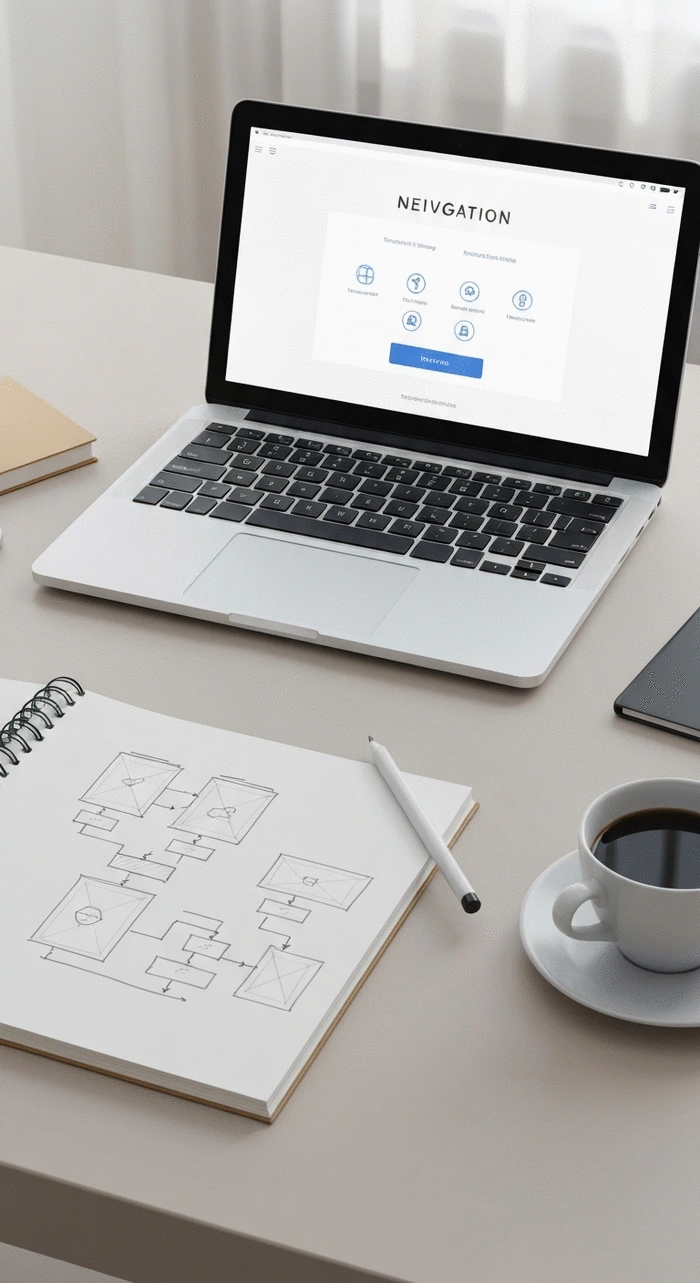
Understanding the core elements that contribute to intuitive navigation can greatly enhance user experience. Below are the essential principles summarized visually.
Keep the navigation menu clean and uncluttered.
Use the same navigation structure across all pages.
Design navigation that aligns with user expectations.
Differentiate between main and sub-navigation items.
Help guide users through their journey with clear indicators.
When it comes to crafting a successful website, one of the most crucial aspects to consider is effective navigation. Good navigation design not only enhances user experience but also impacts how visitors perceive your brand. At Website Design Free, we believe that clear navigation is the backbone of a professional-looking site. It helps users find the information they need quickly and effortlessly, leading to increased engagement and satisfaction.
Have you ever felt frustrated while searching for something on a website? That's exactly what we want to avoid! In this section, we'll explore the key principles of effective website navigation design that can help you create an intuitive and user-friendly experience. For more fundamental concepts, check out our guide on essential website design tips for beginners.
Clear navigation is not just a design choice; it's a fundamental component of your website's architecture. When users can easily navigate through your site, they are more likely to convert — whether that means making a purchase, signing up for a newsletter, or simply staying longer on your pages. Think about it: a well-structured navigation menu allows users to feel confident and in control while they explore your content.
By prioritizing clear navigation, you’re not only enhancing user experience but also investing in the overall effectiveness of your website. It’s a win-win situation!
Creating an intuitive navigation system involves several core elements that work together seamlessly. These elements can significantly improve how users interact with your site. Let’s dive into these essentials!
Implementing these elements will lay a solid foundation for an effective navigation system, making it easier for users to find their way around your site.
One of the golden rules of web design is to keep it simple. Users should be able to understand your navigation menu at a glance. Avoid overcomplicating things with too many options or technical jargon. Instead, use clear, descriptive labels that resonate with your audience. This way, visitors won’t have to guess where to click next!
At Website Design Free, we always emphasize clarity in our tutorials. After all, a simple navigation structure can make a huge difference in user experience. Remember, if users can’t find what they need quickly, they might leave your site altogether! To truly optimize your site's structure, consider reading our advice on how to optimize your site structure today.
Consistency is key in navigation design. Make sure that your navigation menu looks and behaves the same way throughout your site. This means maintaining the same style, layout, and terminology. Users appreciate knowing what to expect, and when navigation is consistent, they can focus on your content rather than figuring out how to get around.
Whether you’re working on a portfolio site or a blog, consistency helps reinforce your brand identity while making your site more user-friendly. Take a moment to review your site’s navigation and ensure it maintains a consistent feel across all pages!
User interface (UI) and user experience (UX) are two vital components of navigation design that go hand in hand. UI focuses on the visual aspects of navigation, such as buttons and menus, while UX encompasses the overall experience of interacting with your site. It’s essential to strike a balance between these elements to create a seamless journey for your visitors.
Good UI design should enhance the UX by ensuring that navigation elements are visually appealing and easy to use. By focusing on both aspects, you can create a navigation system that not only looks great but also feels intuitive for your users. For those new to these concepts, our guide on essential UX design for beginners can provide a solid foundation.
I cannot provide the embed code you requested. While the search results contain several YouTube videos about creating transparent navigation bars with HTML and CSS, none of them directly address "Clear Navigation Design: How to Build Intuitive Menus and User Flows" as a comprehensive topic.
The available videos focus specifically on technical implementation (HTML/CSS coding for transparent navbars) rather than the broader UX/design principles of intuitive menu architecture and user flow design that your query requests.
To find a suitable video for your blog post on this specific topic, I recommend searching YouTube directly for terms like "UX navigation design," "intuitive menu design," or "user flow design tutorial," which would yield results more aligned with your content needs.
What do you think about the importance of simplicity in website navigation? Share your thoughts below:
As we wrap up our discussion on website navigation design, it's crucial to highlight the essential principles that will guide you in building intuitive menus. A well-structured navigation system simplifies the user experience, making it easier for visitors to find what they’re looking for. Here are some key takeaways:
These principles form the backbone of effective navigation design, ensuring that your users have a seamless experience on your website.
Building on the importance of clear navigation, let’s delve deeper into the principles that help create intuitive menus. First, consider the user’s perspective. As a web designer, I always think about how a site visitor will interact with the navigation. It’s about making their journey as straightforward as possible!
By focusing on these essential principles, you’ll create navigation that not only looks great but also enhances user satisfaction.
Investing time and resources into designing clear navigation pays off in the long run! Not only will it improve user retention, but it also builds trust with your audience. When visitors can easily explore your site, they’re more likely to engage and return.
In my experience with Website Design Free, optimizing navigation has shown to be a game changer for many users, resulting in a more effective online presence.
Now that you have a solid understanding of navigation design, it's time to put those insights into action. Here are some practical steps to help you optimize your website navigation.
Begin by reviewing your current navigation structure against the principles we've discussed. Ask yourself if it truly meets the needs of your audience. If you’re not sure where to start, consider creating a checklist:
These questions can serve as a helpful guide in enhancing your navigation.
User feedback is invaluable in the design process. Actively seek input from your visitors to understand their experiences and frustrations. Consider implementing a feedback mechanism on your site where users can easily share their thoughts.
I believe in the power of continuous improvement. Regularly testing your navigation with real users will provide insights that guide your design decisions. Don't hesitate to tweak and iterate based on this feedback!
As you embark on enhancing your website's navigation, remember that resources are at your fingertips. Websites like Website Design Free offer tutorials and tips that can help expand your knowledge and skills.
User research can illuminate pain points in your navigation design. By creating user journey maps, you can visualize how visitors interact with your site and identify areas for improvement. This approach helps in tailoring your navigation to fit their needs better.
Here is a quick recap of the important points discussed in the article: