SEO Features in Wix, WordPress, Carrd
Posted on: 2026-02-20
By: Elena Rivers
Choosing the right website builder can be pivotal for your online success. Whether you're a novice or an experienced creator, understanding the SEO capabilities of platforms like Wix, WordPress, and Carrd is essential. What if the right choice could elevate your site's visibility and performance? Let's explore the key insights that will empower your decision-making!
What You Will Learn
- Custom URL Structures: A user-friendly URL can significantly boost your site's SEO.
- Built-in Tools: Wix offers integrated SEO features that are ideal for beginners.
- Extensive Customization: WordPress excels with plugins like Yoast SEO for advanced SEO needs.
- Mobile Optimization: Essential for improving user experience and search rankings across all platforms.
- On-Page vs Off-Page SEO: Both are crucial; focus on keyword-rich content and building backlinks.
SEO Features Comparison: Wix, WordPress, and Carrd
Exploring the key SEO features of top website builders helps you choose the right platform for your needs. For a broader perspective on various website builders, you might find our simple comparison of website builders helpful.
Wix
- Integrated SEO Wizard
- Custom URL Structures
- Mobile Responsiveness
WordPress
- Extensive Plugin Ecosystem
- Customizable SEO Options
- Meta Descriptions
Carrd
- Simple Setup
- Limited Built-in SEO Options
- Streamlined for Quick Projects
Comparison Summary
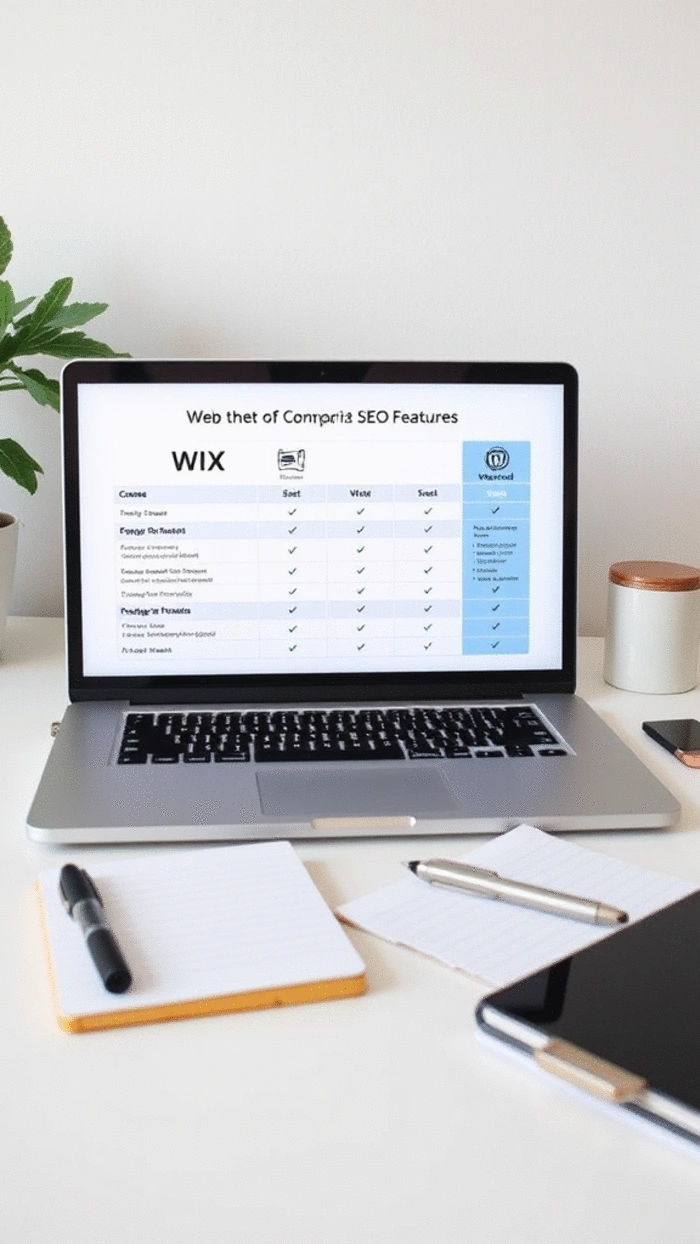
Wix excels in user-friendliness, WordPress in customization, while Carrd offers simplicity.
Understanding SEO Features Across Wix, WordPress, and Carrd
When diving into the world of website creation, SEO features are pivotal for ensuring your site stands out in search engine results. Each platform—Wix, WordPress, and Carrd—offers its own unique approach to SEO. Let’s break down what these features are and how they can impact your online presence!
Understanding the basic SEO features in website builders is crucial for making an informed choice. Essentially, these features help optimize your site for search engines, improving your visibility. Key aspects include customizable URLs, meta tags, alt text for images, and mobile optimization. All these elements work together to create a user-friendly experience that search engines favor!
Defining SEO Features in Website Builders
Every website builder provides a set of SEO features to help you enhance your site's visibility. Here’s what you can typically expect:
- Custom URL Structures: A user-friendly URL can boost your site's SEO.
- Meta Descriptions: These brief descriptions improve click-through rates from search results.
- Image Alt Text: Helps search engines understand your images, boosting relevance.
- Mobile Responsiveness: Critical for user experience and SEO rankings.
Understanding these features will empower you as a website creator. You’ll know what tools to leverage for improved search engine rankings, enabling you to showcase your work effectively! If you're new to website building, this knowledge is a great complement to our beginner's guide to building a website.
Key Differences in SEO Capabilities
While all three platforms have essential SEO features, they each have unique strengths. For example, Wix simplifies SEO with built-in tools, while WordPress offers extensive customization through plugins. In contrast, Carrd focuses on simplicity, which can be a double-edged sword for SEO.
- Wix: Integrated SEO Wizard that guides users through the optimization process.
- WordPress: Robust plugin ecosystem, with options like Yoast SEO for advanced needs.
- Carrd: Straightforward setup, but fewer built-in options for detailed optimization.
Choosing the right platform depends on your specific needs and level of confidence. If you're just starting out, I highly recommend assessing which builder resonates with your vision and goals!
Importance of On-Page and Off-Page SEO in Website Builders
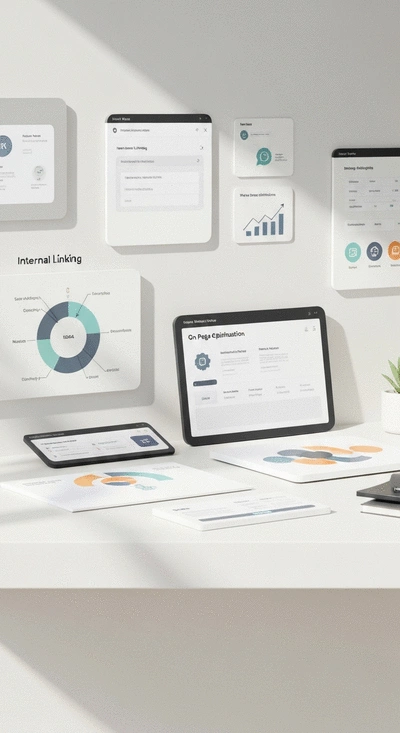
To truly succeed in the online world, understanding both on-page and off-page SEO is essential. On-page SEO involves optimizing the elements within your site, like content quality and internal links. Off-page SEO, on the other hand, refers to actions taken outside your site—like backlinks and social media engagement—that impact your ranking.
- On-Page SEO: Focus on keyword-rich content, header tags, and optimizing images.
- Off-Page SEO: Work on building backlinks and engaging on social media platforms.
Incorporating both strategies effectively can significantly enhance your site's performance. Remember, it’s not just about having a well-designed site; it’s also about making it discoverable!
Pro Tip
Did you know? Consistently updating your content can significantly improve your SEO performance. Search engines favor websites that regularly add fresh, relevant content. Try incorporating a blog or news section into your site where you can share updates, insights, or tutorials related to your niche. This not only keeps your audience engaged but also boosts your site's visibility in search results!
Frequently Asked Questions About Website Builder SEO
Q: What are the most important SEO features to look for in a website builder?
A: Key SEO features include customizable URL structures, the ability to edit meta descriptions and titles, image alt text options, and mobile responsiveness. These elements directly impact how search engines crawl and rank your site.
Q: How does Wix compare to WordPress for SEO?
A: Wix offers an integrated SEO wizard and user-friendly tools, making it great for beginners. WordPress, with its extensive plugin ecosystem (like Yoast SEO), provides more advanced customization and control, often preferred by experienced users and those with complex SEO needs.
Q: Is Carrd a good choice for SEO?
A: Carrd is excellent for simple, one-page websites due to its straightforward setup. However, its built-in SEO options are more limited compared to Wix or WordPress, making it less suitable for websites requiring extensive SEO strategies.
Q: What is the difference between on-page and off-page SEO?
A: On-page SEO involves optimizing elements within your website, such as content quality, keywords, header tags, and internal linking. Off-page SEO refers to activities outside your website that influence rankings, like building backlinks from other reputable sites and social media engagement.
Q: Why is mobile responsiveness so important for SEO?
A: Mobile responsiveness is crucial because search engines prioritize mobile-friendly websites. A site that adapts well to various screen sizes provides a better user experience, which leads to higher rankings in mobile search results, especially given the prevalence of mobile browsing.
Summarizing SEO Features for Informed Decisions
As we wrap up our exploration of SEO features across Wix, WordPress, and Carrd, it’s essential to distill the key points that will help you make an informed decision. Each platform offers unique strengths and weaknesses in terms of SEO capabilities, so understanding these can guide you toward the best choice for your website. Here are some key takeaways to consider:
- Wix: Known for its user-friendly interface, Wix provides solid built-in SEO features that are great for beginners.
- WordPress: With a plethora of plugins, WordPress excels in customizable SEO options, making it ideal for those who want deeper control.
- Carrd: While it offers simplicity, Carrd's SEO tools are more limited, making it best suited for simple sites.
By focusing on these aspects, you'll have a clearer picture of which platform aligns best with your SEO goals. Remember, the right choice can significantly influence your site’s visibility and performance in search engines!
Final Thoughts on Choosing the Right Website Builder for SEO
Choosing the right website builder is crucial, especially when considering SEO. Each platform has its unique offerings, and your decision should take into account not just the immediate needs but also long-term growth. Personally, I believe that if you're looking for a robust SEO strategy, WordPress is often the best path due to its extensive plugin ecosystem and customizability. If you're new to WordPress, our WordPress guide for new users can help you get started.
However, if you’re just starting out and want something less overwhelming, both Wix and Carrd can be great options. They provide enough functionality to get you going without the steep learning curve that sometimes comes with WordPress. Ultimately, the best platform is the one that fits your specific needs and comfort level.
Encouraging Further Exploration and Action
Next Steps: Evaluating Your SEO Needs
Now that you have a solid understanding of the SEO features available in each platform, it's time to evaluate your own needs. Are you looking to build a blog, a portfolio, or maybe a business site? Knowing your website's purpose will help narrow down your options even further. I encourage you to take a moment to jot down what you need.
- Define the primary goal of your website.
- Consider your technical comfort level.
- Identify any specific SEO strategies you want to implement.
Once you outline these factors, you’ll be better equipped to choose the website builder that sets you up for success!
Join the Conversation: Share Your Experience with Wix, WordPress, or Carrd
I'd love to hear about your experiences with these platforms! Which one have you chosen, and what has your journey been like so far? Whether you're a seasoned pro or just starting out, your insights can be invaluable to others in our community. Feel free to share your thoughts in the comments below—let’s learn from each other!
Recap of Key Points
Here is a quick recap of the important points discussed in the article:
- SEO Features: Essential features include customizable URLs, meta descriptions, image alt text, and mobile responsiveness.
- Platform Strengths: Wix offers built-in SEO tools, WordPress excels with extensive plugin options, and Carrd focuses on simplicity.
- On-Page vs Off-Page SEO: Optimize your site's internal elements and engage in external actions like backlinks to improve visibility.
- Choosing the Right Builder: Assess your website goals, technical comfort, and desired SEO strategies to make an informed decision.
 Have you ever wondered how the multimedia content on your website affects its speed and user engagem
 Choosing the right platform for your e-commerce site can make all the difference. With platforms lik
 As the digital landscape becomes increasingly complex, prioritizing website security is no longer op