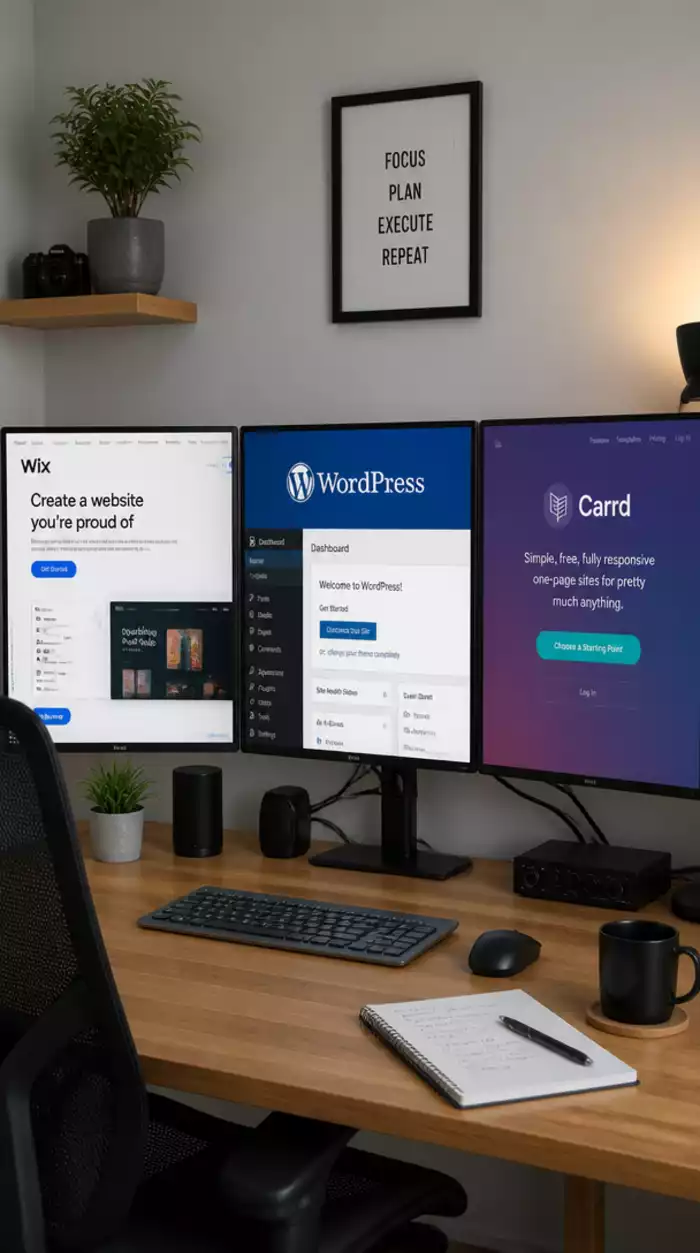
Ease of Use
Wix: Drag-and-drop interface
WordPress: Moderate learning curve
Carrd: Simple one-page setup
Join Elena Rivers' community for beginner-friendly tutorials, design tips, and free resources to build your stunning website.
Posted on: 2026-09-16
By: Elena Rivers
When it comes to building your online presence, choosing the right website builder can set the stage for success. With platforms like Wix, WordPress, and Carrd offering unique features and benefits, understanding their core differences is essential. How do you decide which one aligns best with your specific needs and goals?
This visual compares the core features of Wix, WordPress, and Carrd, highlighting their strengths in different areas.
Wix: Drag-and-drop interface
WordPress: Moderate learning curve
Carrd: Simple one-page setup
Wix: Extensive templates
WordPress: Highly customizable
Carrd: Minimalist designs
Wix: Free and premium plans
WordPress: Free (self-hosted) and premium
Carrd: Free and low-cost options
Wix: Basic SEO tools
WordPress: Advanced SEO capabilities
Carrd: Limited options
Wix: Creative projects
WordPress: Blogs and portfolios
Carrd: Quick launches
Choosing the right website builder can feel like navigating a maze, especially with so many options out there! At Website Design Free, I often hear from beginners who are overwhelmed by the choices available. Whether you’re looking to set up a simple blog, showcase a portfolio, or launch an online store, understanding the differences between platforms like Wix, WordPress, and Carrd is key to making an informed decision.
Each platform has its own strengths and weaknesses, tailored to various user needs. In this section, we’ll dive into the core features, pricing, SEO capabilities, and integrations of each builder. By the end, you’ll have a clearer picture of which platform aligns best with your vision! You can also explore a more detailed comparison of website builders in this simple guide.
Understanding what users are looking for is crucial. Are they seeking to create a stunning portfolio, start a blog, or perhaps run an e-commerce store? Identifying search intent helps narrow down which website builder is best suited for specific goals.
When examining user intent, it's essential to distinguish between commercial and informational needs. Commercial intent usually involves users ready to purchase or subscribe to a service. In contrast, informational intent is about seeking knowledge or guidance. Recognizing this distinction can help tailor your content and improve user engagement.
These questions are common among users, and addressing them will not only guide your decision but also enhance your learning experience. Let’s explore these aspects further!
When it comes to building a website, understanding the costs involved is critical. Each platform has different pricing models, and you’ll want to find one that fits your budget and requirements.
Understanding these differences helps in making a choice that won’t break the bank while still allowing you to create a professional-looking site. For a deeper dive into pricing, check out this guide on website builder pricing explained.
It’s crucial to keep an eye on renewal costs, as they can vary significantly. For instance, Wix plans automatically renew at the same rate, while WordPress hosting may increase after the first year. Be sure to factor in these potential changes to avoid sudden surprises!
If you’re aiming to set up an online store, you’ll need to consider additional fees for e-commerce functionalities. For example, Wix and WordPress offer comprehensive e-commerce solutions, but expect to pay more for these capabilities. Carrd can support simple e-commerce, but it’s more limited in functionality.
Search Engine Optimization (SEO) is vital for ensuring your site is visible online. Let’s take a closer look at how each builder stacks up in this area.
Being aware of these features helps you choose a builder that will support the growth of your website in search engine rankings!
If you're looking to create a blog or a content-rich site, consider the long-term growth potential of each platform. WordPress is often favored for its flexibility and scalability, making it the go-to choice for serious bloggers.
Integrated tools can significantly streamline your SEO efforts. Platforms like WordPress excel in this area with numerous plugins available to enhance site visibility and performance. In contrast, Wix provides a user-friendly interface with built-in optimization tools, but it may not be as customizable.
As your website grows, you may need additional tools to enhance functionality. Let’s explore how each platform handles integrations.
Choosing a platform that can seamlessly connect with your tools is essential for maintaining an efficient workflow as you scale your online presence.
Wix has its own app market, while WordPress relies on a vast community of developers creating plugins. Carrd, though simpler, lacks the extensive library of plugins, which may limit functionality for some users.
Connecting your website with social media is vital for driving traffic. All three platforms support social media integration, but the ease of implementation can vary. Wix and WordPress provide user-friendly options for embedding social links and sharing features, enabling you to maximize visibility.
When deciding on a website builder, you’ll want to weigh ease of use against flexibility.
Choosing a builder that matches your comfort level can lead to a smoother website creation experience! You might also find this article on drag-and-drop vs. CMS platforms helpful.
If you’re just starting out, consider your technical skills. Wix and Carrd are excellent for beginners, while WordPress requires a bit more technical know-how, especially when managing plugins and hosting.
User experience is crucial for keeping visitors engaged. Sites built with Wix and WordPress often provide more options for customizing UX, while Carrd is great for straightforward navigation on one-page designs.
Now, let’s explore how each platform can be best utilized based on specific needs.
Wix is fantastic for creative projects, allowing for stunning visuals and interactive designs. It's particularly well-suited for artists, photographers, and small businesses wanting to showcase their work.
If you're a blogger or looking to build a content-heavy site, WordPress is the way to go. Its flexibility and extensive plugin ecosystem make it perfect for managing large amounts of content.
For those needing a quick and effective online presence, Carrd is ideal for one-page sites. It's especially popular for landing pages and portfolios.
When it comes to building membership sites, WordPress shines with its various membership plugins. Wix also offers membership features, but with less flexibility than WordPress, while Carrd can support basic membership functions.
Finally, let’s touch on content gaps and the challenges of migrating between platforms.
Understanding how to integrate different tools is essential for maintaining a smooth workflow. Each builder has distinct methods for connecting with other applications, so consider your existing tech stack when choosing a platform!
As your website grows, you may find the need to migrate to a different platform. It’s important to know that while some platforms, like WordPress, offer import/export tools, others may require more manual processes.
Ensuring your content is safe during migration is crucial. Always look for platforms that provide reliable backup solutions or export options, so you don’t lose valuable data during transitions.
As you navigate through the options of website builders, we’d love to know: What features matter the most to you when choosing a platform? Share your thoughts below:
As we wrap up our exploration of website builders like Wix, WordPress, and Carrd, it’s essential to distill the information into actionable insights. Choosing the right platform can significantly impact your website’s success, so let’s summarize the key points we've discussed. By comparing features, pricing, and usability, you can make a well-informed decision that aligns with your goals!
To help you visualize the differences, I’ve created a feature-by-feature table. This will allow you to quickly grasp what each platform offers and how they stack up against one another.
| Feature | Wix | WordPress | Carrd |
|---|---|---|---|
| Ease of Use | Drag-and-drop interface | Moderate learning curve | Simple one-page setup |
| Design Flexibility | Extensive templates | Highly customizable | Minimalist designs |
| Pricing | Free and premium plans | Free (self-hosted) and premium | Free and low-cost options |
| SEO Features | Basic SEO tools | Advanced SEO capabilities | Limited options |
| Best For | Creative projects | Blogs and portfolios | Quick launches |
This table provides a straightforward comparison of each platform, highlighting their respective strengths and weaknesses. I hope it helps clarify your choice!
To further streamline your decision-making, consider the following factors in a decision matrix:
Reflecting on these aspects will ensure you select the platform that not only meets your current needs but also supports your vision for growth!
Now that you have a clearer understanding of the landscape, it's time to take the next steps. I encourage you to assess your specific requirements and preferences. What do you value most in a website builder? Think about your goals and the user experience you want to create.
Once you've identified your needs, make a shortlist of platforms that align with those criteria. Feel free to reach out with any questions or for deeper insights—I’m here to help!
I’d love to hear your experiences and thoughts on the website builders we discussed. Have you used Wix, WordPress, or Carrd? What challenges did you face? Sharing your insights can help foster a supportive community where we all learn from each other!
Lastly, don’t forget to check out the tutorials and resources available on Website Design Free. Whether you’re just starting or looking to refine your skills, there’s a wealth of information to guide you along the way. Remember, creating a stunning website is possible—let's do it together!
Here is a quick recap of the important points discussed in the article: