Unlock Your Website Potential!

Join Elena Rivers' community for beginner-friendly tutorials, design tips, and free resources to build your stunning website.

Paid Plans: Wix vs. WordPress vs. Carrd


Paid Plans: Wix vs. WordPress vs. Carrd

Posted on: 2026-08-06
By: Elena Rivers


In the competitive landscape of website builders, understanding the nuances of value for money can set you apart. As you explore platforms like Wix, WordPress, and Carrd, consider not just the cost, but also the features and support that truly matter for your needs. This guide dives into the critical factors that can influence your decision-making process when choosing the right website builder.

What You Will Learn

  • Understanding value for money means evaluating features against costs, not just opting for the cheapest option.
  • Key factors to consider include platform features, ease of use, support, and scalability for future growth.
  • Comparing paid plans allows you to identify essential features while avoiding hidden costs.
  • Choosing between monthly and annual plans involves assessing your commitment level and potential savings.
  • Each platform—Wix, WordPress, and Carrd—has distinct advantages and disadvantages tailored to different user needs.
  • Customer support varies across platforms; prioritize those that offer robust assistance and resources.
  • Taking advantage of free trials can provide critical insights into which platform suits your requirements best.

Comparison of Website Builders: Wix, WordPress, and Carrd

Explore the key features and pricing of popular website builders to understand which platform aligns best with your needs.

Wix

  • Features: All-in-one solution with templates
  • Pricing: Starting at $14/month
  • Pros: User-friendly, beautiful designs
  • Cons: Higher costs for premium features

WordPress

  • Features: Extensive customization, plugins
  • Pricing: Starting at $4/month
  • Pros: Versatile, large community support
  • Cons: Can be overwhelming for beginners

Carrd

  • Features: Simple sites, landing pages
  • Pricing: Starting at $19/year
  • Pros: Affordable, easy to use
  • Cons: Limited features for complex needs

Understanding Value for Money in Website Builders

When diving into the world of website builders, understanding value for money is crucial. It’s not just about finding the cheapest option; it's about evaluating what you get for your investment. At Website Design Free, I often discuss platforms like Wix, WordPress, and Carrd because they cater to different needs. So, what does value for money really mean in this context? Let’s break it down. For a comprehensive look at popular choices, check out our simple comparison of website builders.

Value for money considers both the features offered and the costs involved. For instance, a platform might have a low monthly fee, but if it lacks essential tools or requires expensive add-ons, it can end up costing more in the long run. Understanding this balance is key to ensuring you choose a platform that truly aligns with your goals.

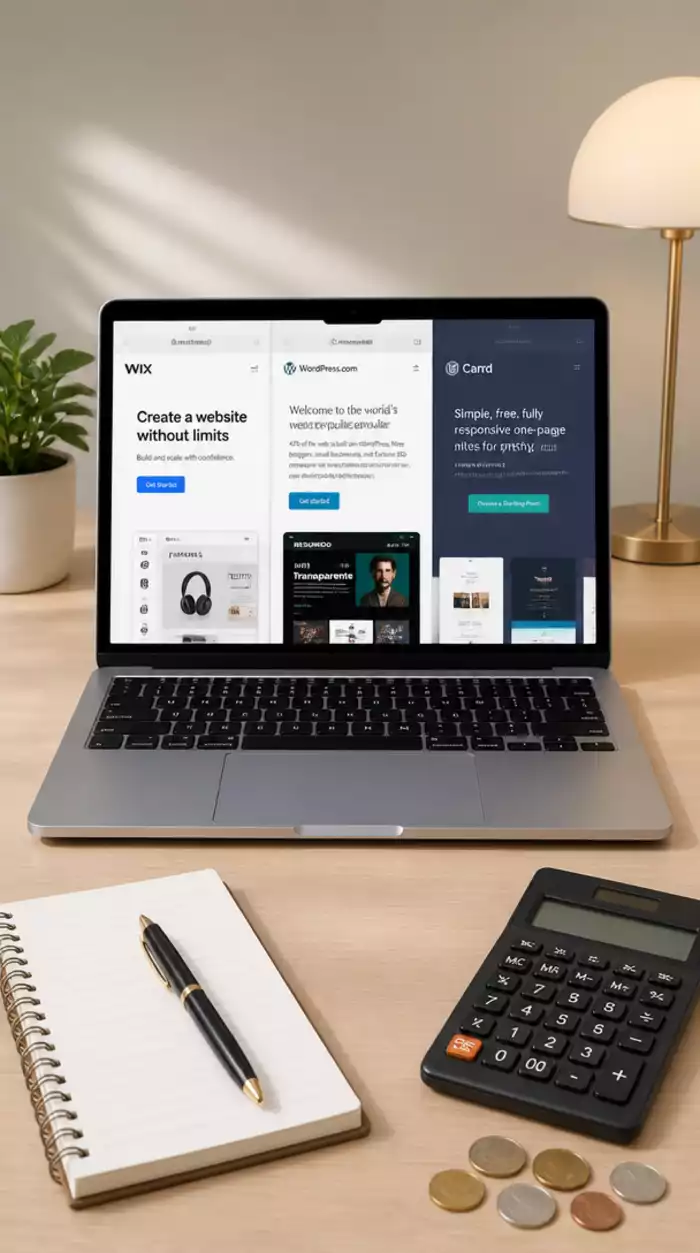
Website Builder Usage Scenario

Defining Value for Money in the Context of Wix, WordPress, and Carrd

Defining value for money involves looking at several factors, including features, ease of use, and support. Here’s a quick overview of what to consider:

  • Features: What tools and integrations does the platform offer?
  • Ease of Use: How user-friendly is the interface for beginners?
  • Support: What kind of customer service is available?
  • Scalability: Can the platform grow with your needs?

By evaluating these aspects, you can gain a clearer picture of which platform provides the best value for your specific needs. As someone who has explored various builders, I find that understanding your requirements is essential before making a choice.

Why Compare Paid Plans? The Importance of Informed Choices

Comparing paid plans isn’t just about costs; it’s about making informed choices. Each platform offers a variety of pricing tiers, which can often be overwhelming. By analyzing these options, we can identify not just the cheapest plan but the best fit for our needs.

  • Identify essential features that you need for your website.
  • Consider any potential hidden costs associated with lower-tier plans.
  • Look at the long-term benefits of choosing a more comprehensive plan upfront.

In my experience, it’s often worth investing a little more for features that will serve you better in the long run. This approach not only saves you time but also enhances your overall satisfaction with the platform. To help you choose, consider reading our guide on choosing the best website builder.

Evaluating Subscription Models: Monthly vs. Annual Plans

When considering which subscription model to choose, understanding the differences between monthly and annual plans is vital. Monthly plans offer flexibility, allowing you to switch platforms easily if your needs change. However, annual plans can often save you money in the long run.

  • Monthly Plans: Great for short-term projects or testing out a platform.
  • Annual Plans: Typically offer a discount, making them more budget-friendly over time.
  • Commitment: Consider how committed you are to using the platform for the long haul.

As I’ve learned through my journey at Website Design Free, carefully weighing these options can lead to significant savings and a more tailored website-building experience!

Pro Tip

When comparing website builders, take advantage of free trials! This allows you to explore the features and usability of each platform without any financial commitment. Testing out the interface can help you gauge which builder aligns best with your vision and needs. Plus, don't hesitate to explore community forums for user experiences—real feedback can offer invaluable insights!

Summarizing the Value Proposition of Wix, WordPress, and Carrd

As I dive into the world of website builders, it's crucial to summarize the value proposition of popular platforms like Wix, WordPress, and Carrd. Each offers unique features tailored to different needs and budgets, but how do you decide which one is right for you? Let’s break down the key factors involving pricing and features to help you make an informed choice!

When comparing these platforms, think about the specific goals you have for your website. Are you looking for ease of use, advanced customization options, or a straightforward landing page? Understanding these aspects will guide your decision-making process and ensure you choose a platform that aligns perfectly with your vision.

Final Thoughts on Pricing and Features Comparison

After exploring the pricing structures and feature sets of these platforms, I’ve come to appreciate how Wix, WordPress, and Carrd cater to various user needs. Here’s a quick summary of what each platform brings to the table:

  • Wix: Best for those seeking an all-in-one solution with stunning templates and built-in features.
  • WordPress: Ideal for users needing extensive customization and robust plugin support.
  • Carrd: Perfect for simple sites and landing pages, offering a no-fuss approach to web design.

Each platform has its strengths and weaknesses, so weigh these factors against your personal needs. Don’t forget to consider any additional costs that might arise, like add-ons or domain registration!

Is It Worth the Investment? Weighing Pros and Cons

When deciding whether to invest in a website builder, it's essential to weigh the pros and cons of each option. For instance, Wix offers excellent design flexibility but might be more expensive in the long run. In contrast, WordPress can be more affordable but may require some technical know-how to harness its full potential. Meanwhile, Carrd stands out for its affordability and ease of use. If you're weighing your options between two popular platforms, our guide on Wix or WordPress: A Beginner's Guide can provide further clarity.

  • Pros of Wix: User-friendly interface, extensive app market, and beautiful templates.
  • Cons of Wix: Higher costs for premium features and less control over SEO.
  • Pros of WordPress: Versatile and customizable with a vast community for support.
  • Cons of WordPress: Can be overwhelming for beginners; requires ongoing management.
  • Pros of Carrd: Low cost and straightforward design process.
  • Cons of Carrd: Limited features compared to Wix and WordPress for more complex needs.

Ultimately, the worth of your investment will depend on your specific needs and how you prioritize features and budget. Take some time to reflect on these points!

Customer Support and User Reviews: Insights into Each Platform

Another important factor to consider is customer support. While I’ve found that all three platforms offer resources to assist users, their service levels can vary significantly. For example, Wix provides robust customer support through multiple channels, ensuring help is just a click away. On the other hand, WordPress relies heavily on community forums, which can be beneficial but may lack the immediacy some users need.

  • Wix: 24/7 support and comprehensive tutorials.
  • WordPress: Extensive community forums and documentation, but less direct support.
  • Carrd: Helpful FAQs and user guides, but limited direct support options.

Reading user reviews can also provide valuable insights into the real-world experiences of others. Pay attention to feedback regarding user support, ease of use, and the overall satisfaction level to gain a clearer perspective on each platform.

Encouraging Informed Decisions: Take Action

Now that we've explored the value proposition of these website builders, it’s time to take action and choose the right plan for you! Here are some steps to guide you through the decision-making process.

Making Your Decision: Steps to Choose the Right Plan

When it comes to making your choice, follow these steps:

  1. Define your website's goals: What purpose will it serve? How do you want it to look and function?
  2. Compare pricing and features: Look closely at what each platform offers and how that aligns with your budget.
  3. Read user experiences: Investigate reviews and testimonials to understand others’ satisfaction levels with each platform.
  4. Consider future needs: Will your website grow or evolve over time? Choose a platform that can grow with you.

Taking these steps will help ensure that you pick a platform that truly fits your needs.

Continuing Your Research: Where to Find More Information

In addition to this guide, there are plenty of resources available for deeper insights. I recommend visiting the official websites of Wix, WordPress, and Carrd for detailed documentation and tutorials. Additionally, check out forums and blogs that discuss user experiences for real feedback from fellow creators.

Frequently Asked Questions About Website Builders

What does "value for money" mean when choosing a website builder?
Value for money means evaluating the features, ease of use, support, and scalability a platform offers against its cost, rather than simply choosing the cheapest option. It ensures you get the most beneficial return on your investment for your specific needs.
Why is it important to compare paid plans?
Comparing paid plans allows you to identify essential features, uncover potential hidden costs, and assess long-term benefits. This helps you make an informed choice that best fits your website's requirements and budget, ultimately enhancing satisfaction and saving time.
Should I choose a monthly or annual subscription plan?
Monthly plans offer flexibility for short-term projects or testing, allowing easy switching. Annual plans typically provide a discount, making them more cost-effective for long-term commitments. Your choice depends on your project's duration and commitment level to the platform.
What are the main advantages of Wix, WordPress, and Carrd?
Wix is best for all-in-one solutions with stunning templates and built-in features, ideal for beginners. WordPress offers extensive customization and robust plugin support, suited for users needing high versatility. Carrd is perfect for simple sites and landing pages, known for its affordability and ease of use for straightforward projects.
How important is customer support when choosing a website builder?
Customer support is very important as it ensures you have access to assistance and resources when needed. Platforms like Wix offer 24/7 direct support, while WordPress relies on community forums. Evaluating support options helps ensure a smoother website creation and management journey.

Utilizing Free Trials and User Onboarding for Better Insights

Finally, don’t overlook the value of free trials! Many platforms offer trial periods that allow you to explore their features without financial commitment. Take advantage of these opportunities to test how well a platform meets your needs. Look for onboarding resources that can help you quickly get up to speed, making your website creation journey as smooth as possible.

Remember, you're not alone in this process! I'm here to help you navigate your website design journey. Let's create something amazing together!

Recap of Key Points

Here is a quick recap of the important points discussed in the article:

  • Value for Money: It's essential to evaluate features, costs, and potential hidden fees when choosing a website builder.
  • Comparing Paid Plans: Analyze the pricing tiers and features to find the best fit for your needs, rather than just the cheapest option.
  • Subscription Models: Weigh the pros and cons of monthly versus annual plans based on your website's commitment and budget.
  • Platform Strengths: Understand the unique offerings of Wix, WordPress, and Carrd to align with your website goals.
  • Customer Support: Consider the level of support each platform provides, as this can impact your user experience.
  • Free Trials: Utilize free trials to test platforms without financial commitment and ensure they meet your needs.
Website Builder Features Overview
Subscribe & Share
Website Builders for AI Content Website Builders for AI Content As we dive into the world of AI website builders, consider how these innovative tools could transfor
Build a Free Online Store Build a Free Online Store Choosing to set up an online store can be one of the most rewarding decisions for aspiring entrepren
Trustworthy Design for User Credibility Trustworthy Design for User Credibility In today's online world, where first impressions matter more than ever, the design of your website p
Banner
Website Design Free

Your go-to resource for mastering website creation without coding. We help beginners and small businesses with practical tutorials, tool comparisons, and expert design tips.

Trusted by aspiring web designers, our mission is to provide accessible, easy-to-follow insights backed by Elena Rivers' years of digital design expertise.

Learn More
Recent Posts
Website Builders for AI Content Website Builders for AI Content

As we dive into the world of AI website builders,

Build a Free Online Store Build a Free Online Store

Choosing to set up an online store can be one of t

Trustworthy Design for User Credibility Trustworthy Design for User Credibility

In today's online world, where first impressions m

Quick Tips for Your Website Design Journey